Page templates
Start a page from a finished design instead of an empty canvas. Every section is made of ordinary Elementor elements and Nori's classes, so it follows your colors and type scale and you can change anything.
20 page templates, 4 styles
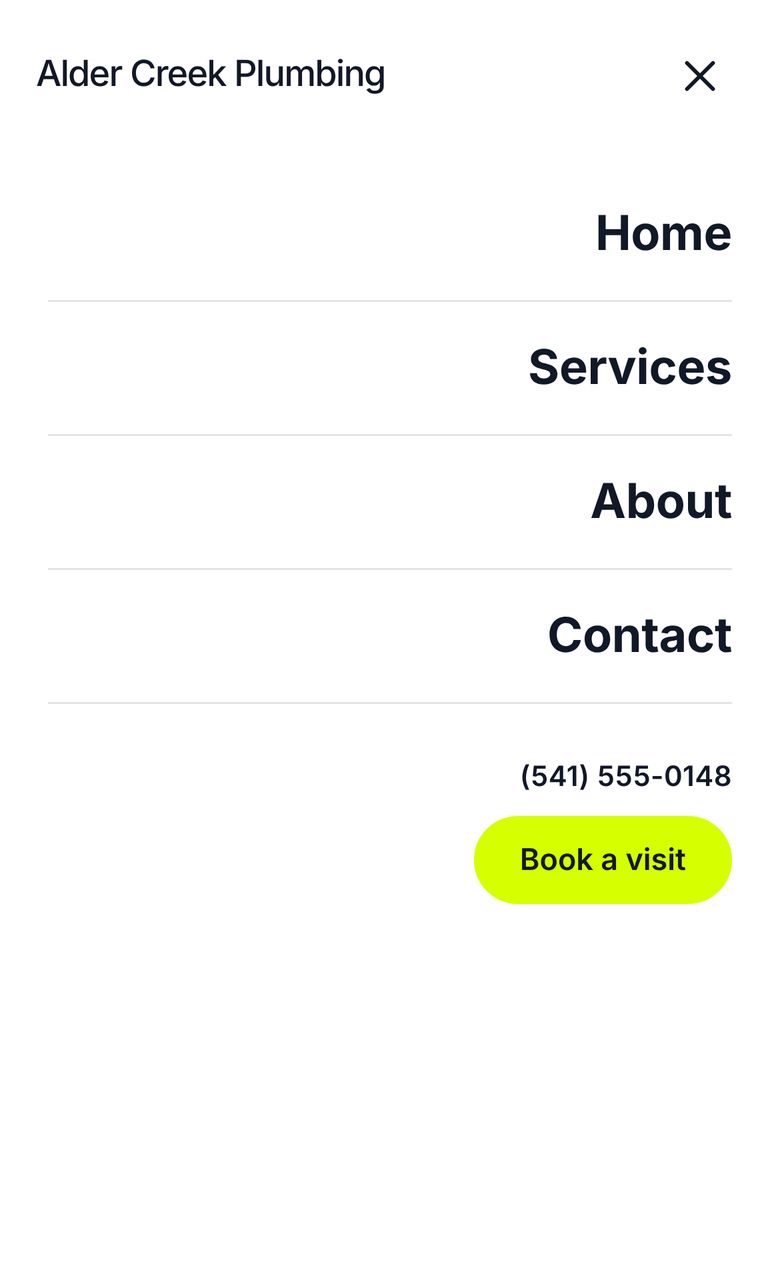
Pick a style and a page under Nori › Page templates and Nori makes a draft of it with sample text, your site's name and your email. Every part is an ordinary Elementor element styled by Nori's classes and colors, so you change anything in the editor, and brand presets restyle it all at once. Making a page also switches on Smooth Scroll (Snappy, 0.5s) and Exit-Fade-Up, so sections glide and fade as visitors scroll (if Slide-Fade-Blur is already on, pages use it instead). Billboard and Lens are built on Elementor's own Background Video element and start with a short abstract video loop that ships with Nori; pick your own video in Elementor. Galleries take any number of photos, and every header comes with a phone menu button. Click a page to see all of it.
Home
A full home page: hero, services, about, how it works, a review, questions and a call to action.
Services
Everything you offer, how it works and the questions people ask.
About
Your story, your team and a few numbers.
Our work
A gallery of recent jobs with customer reviews.
Contact
How to reach you, opening hours, a map and answers to common questions.
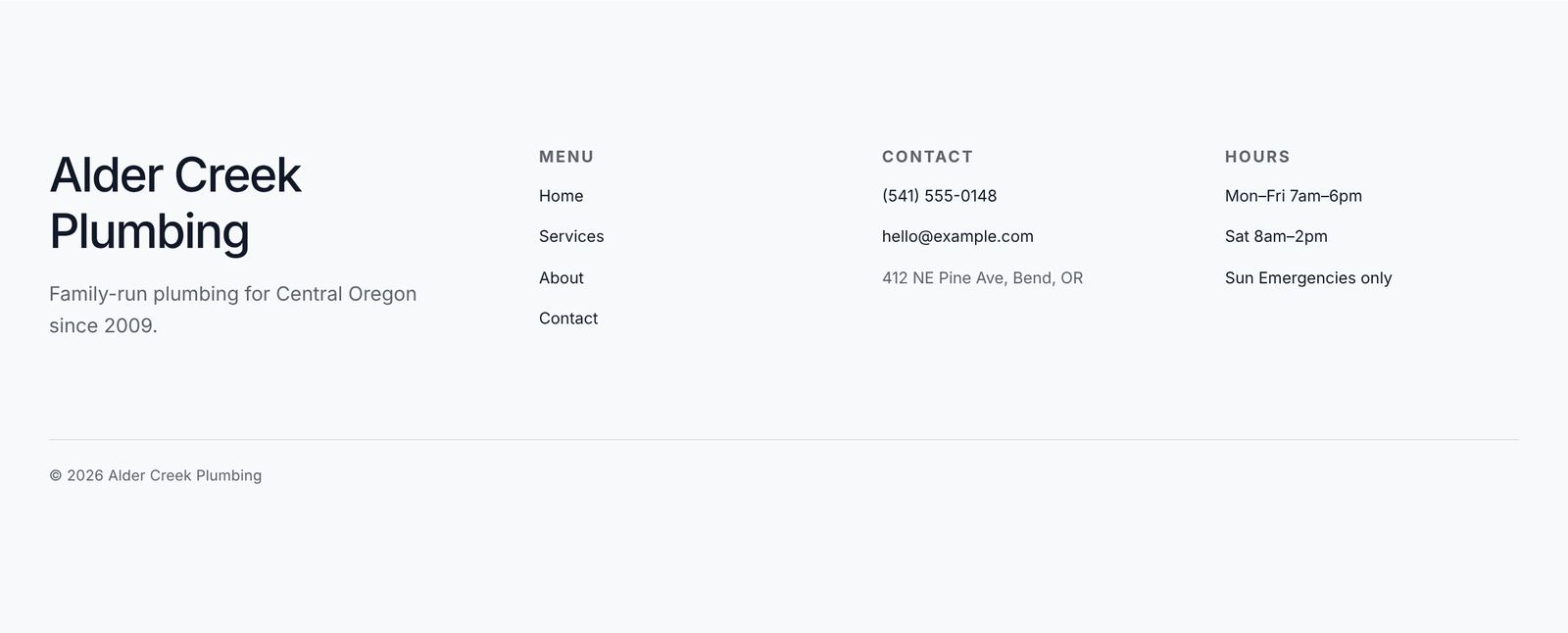
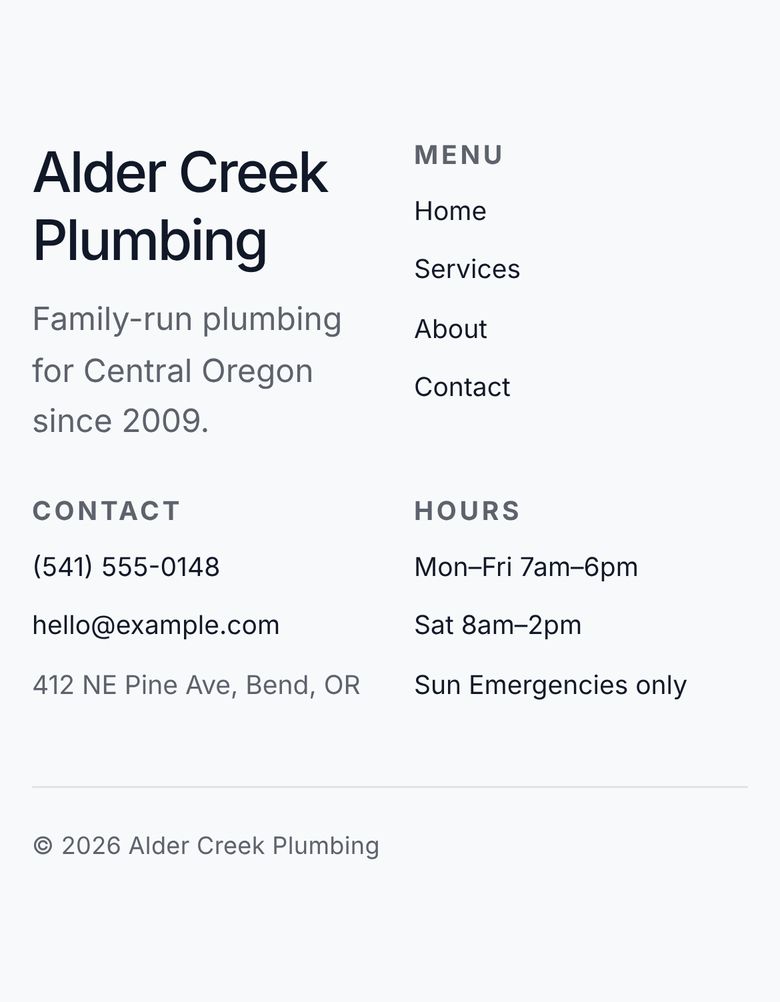
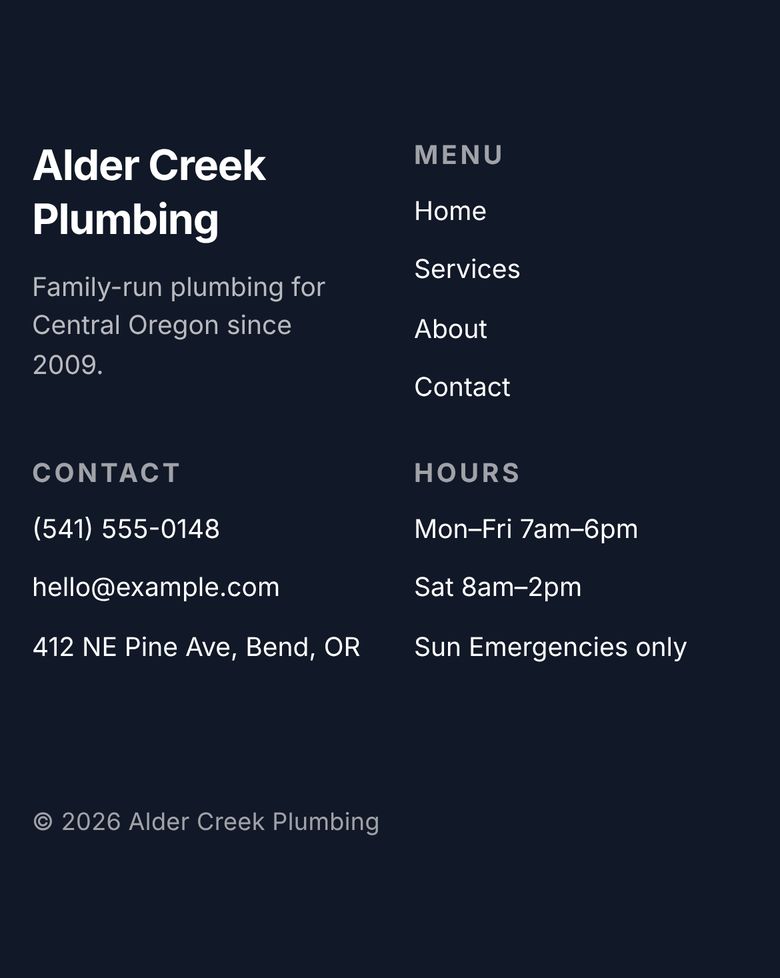
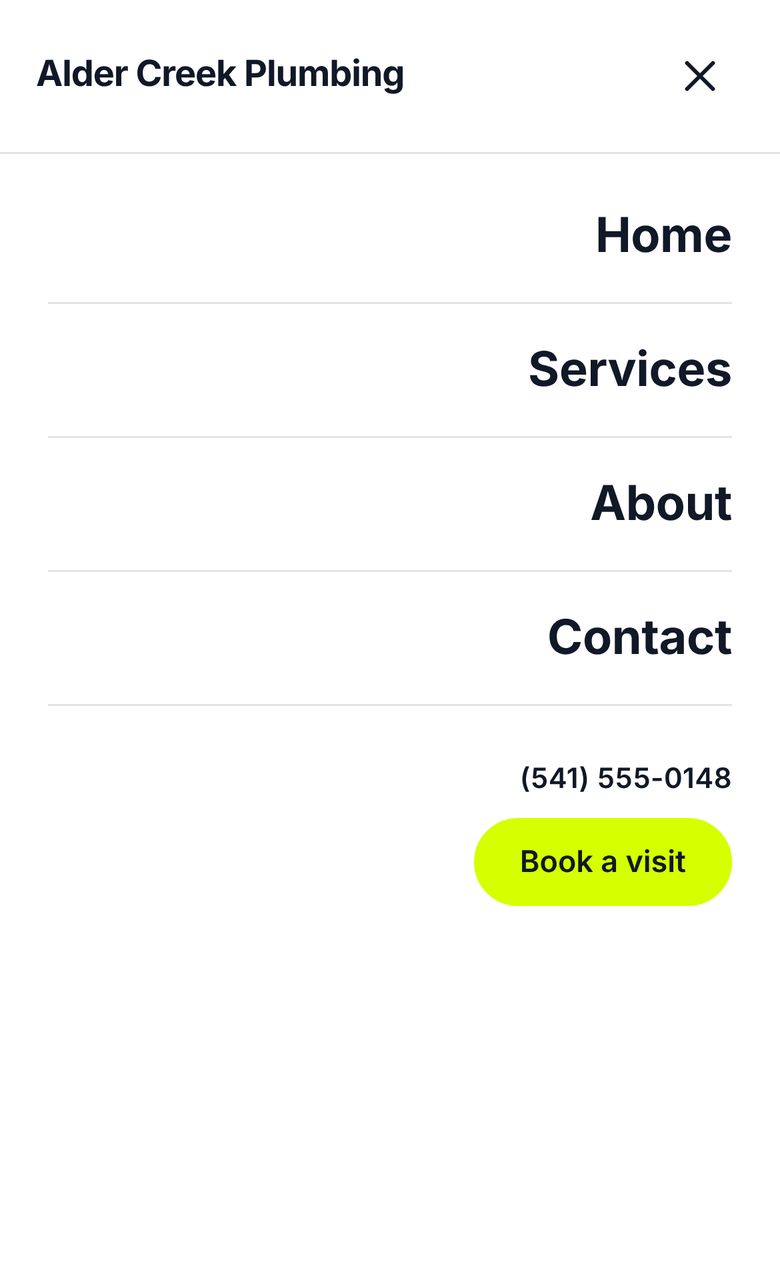
One Studio header and footer for the whole site
Nori makes them in the same style and shows them on every page. With Elementor Pro they go in Theme Builder, set to the entire site; without Pro they're Elementor templates that Nori shows on every page of a Hello Elementor site. Edit them once and every page changes. Switch styles later and the old ones go to the trash, so you can get them back.


Home
A full home page: hero, services, about, how it works, a review, questions and a call to action.
Services
Everything you offer, how it works and the questions people ask.
About
Your story, your team and a few numbers.
Our work
A gallery of recent jobs with customer reviews.
Contact
How to reach you, opening hours, a map and answers to common questions.
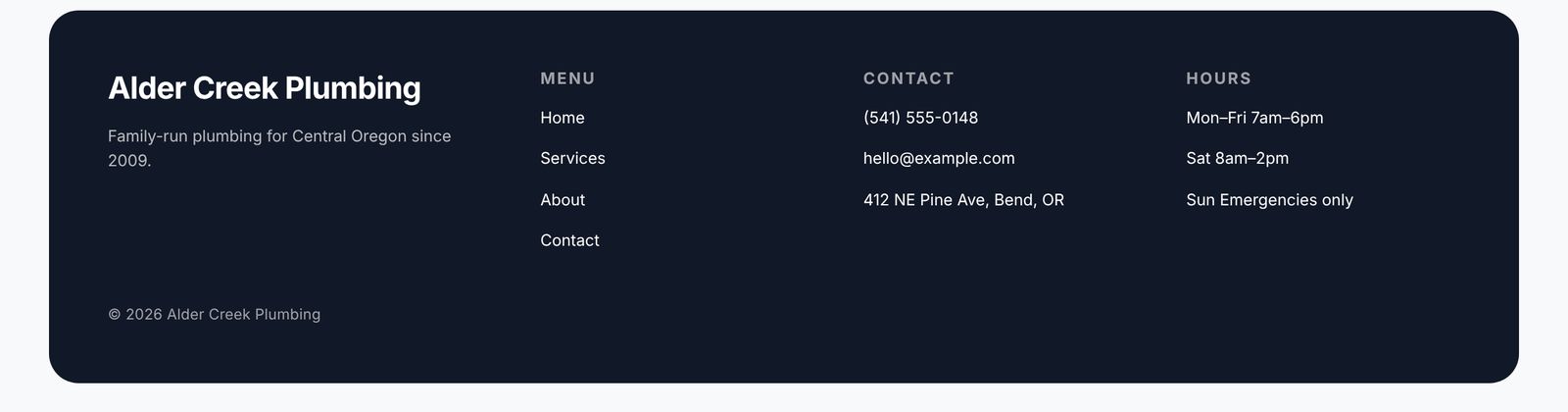
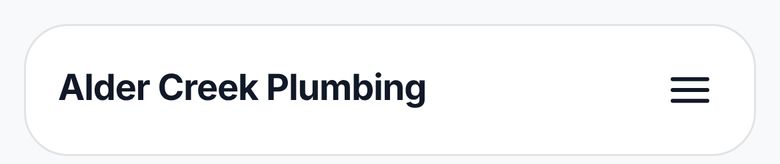
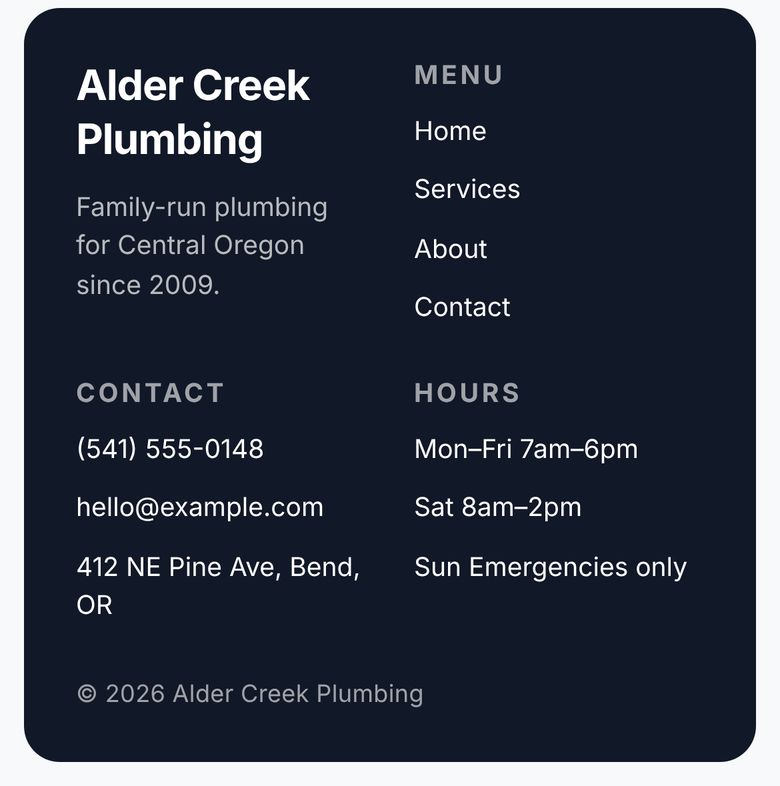
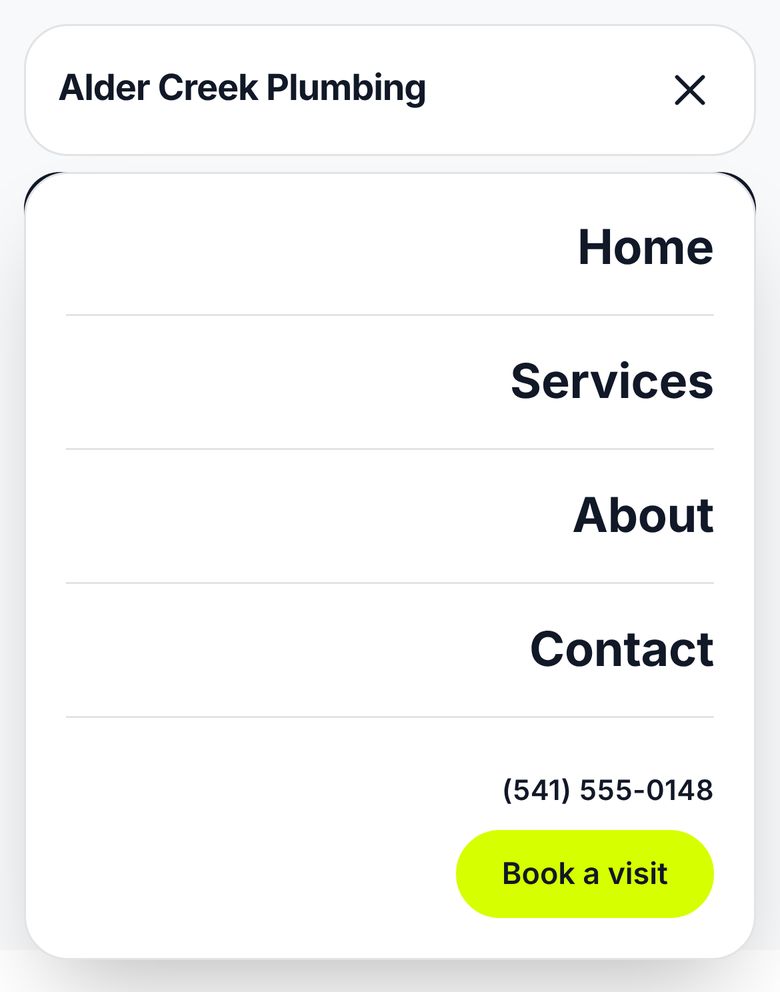
One Bento header and footer for the whole site
Nori makes them in the same style and shows them on every page. With Elementor Pro they go in Theme Builder, set to the entire site; without Pro they're Elementor templates that Nori shows on every page of a Hello Elementor site. Edit them once and every page changes. Switch styles later and the old ones go to the trash, so you can get them back.

Home
A full home page: video hero, services, about, numbers, how it works, a review, questions and a video call to action.
Services
Everything you offer, how it works and the questions people ask.
About
Your story, your team and a few numbers.
Our work
A gallery of recent jobs with customer reviews.
Contact
How to reach you, opening hours, a map and answers to common questions.
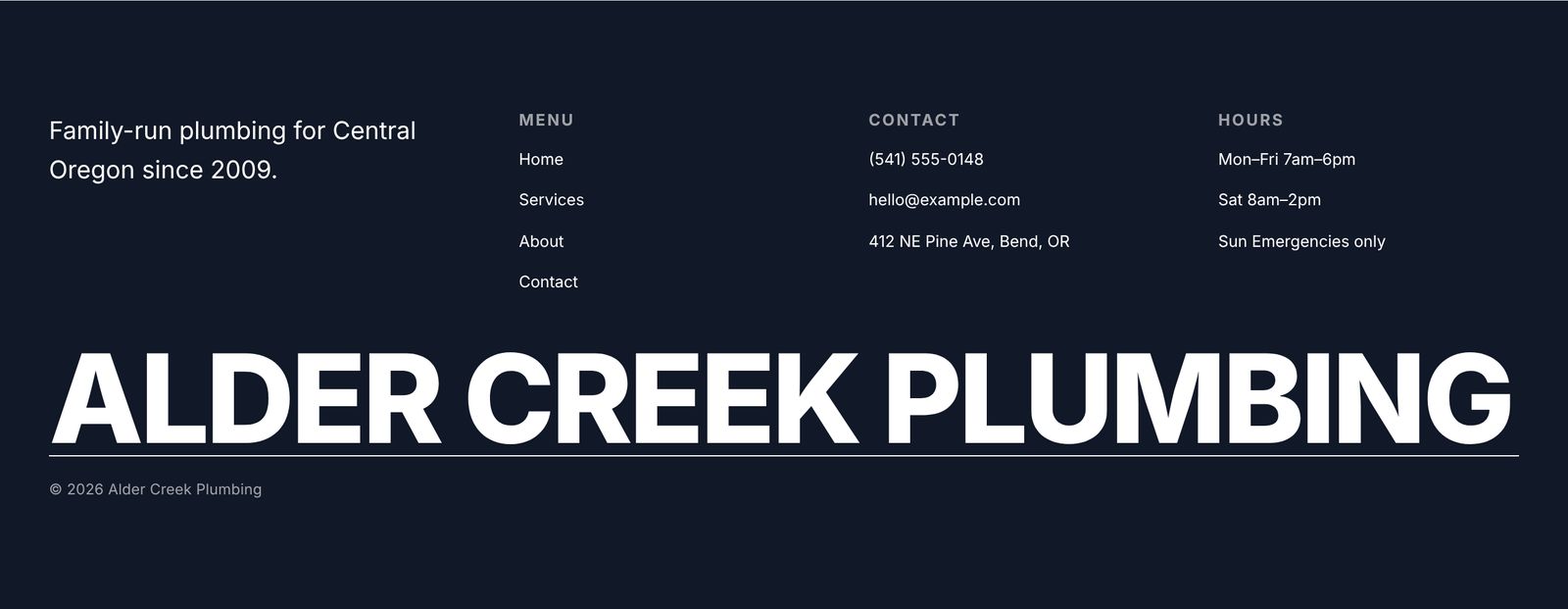
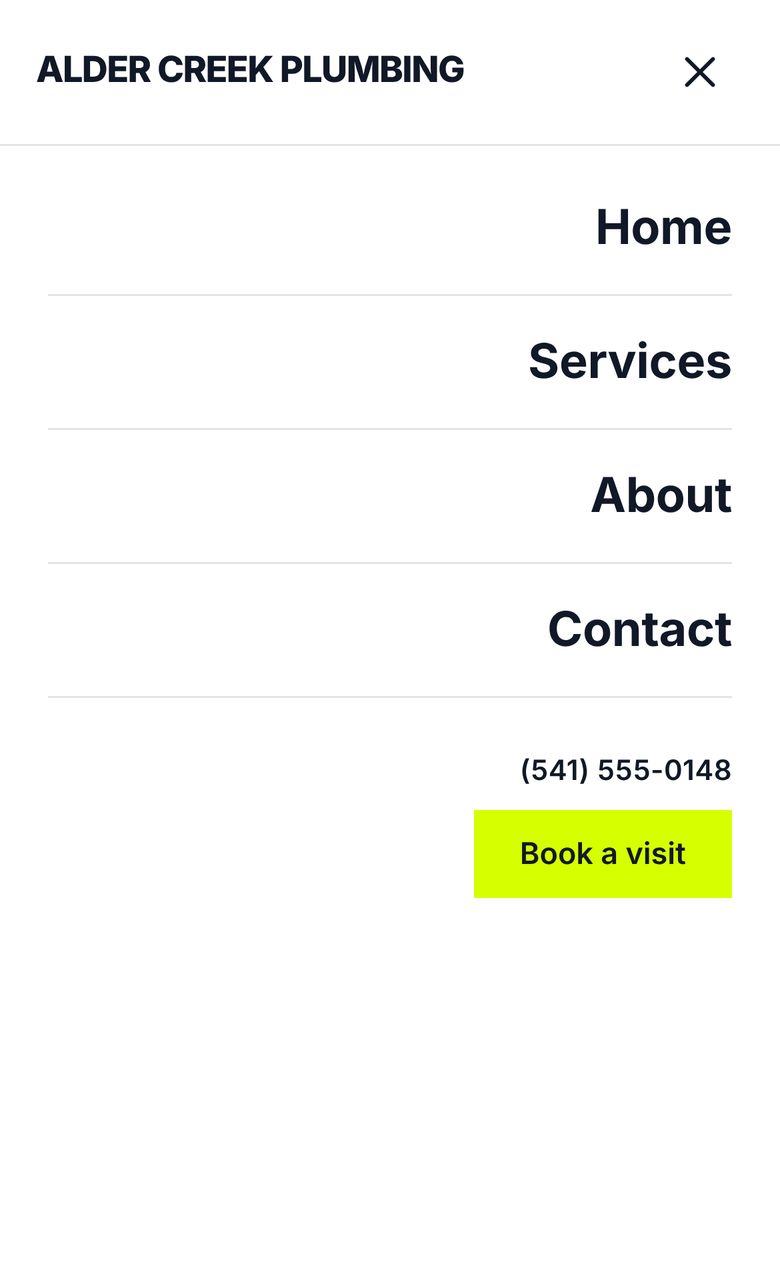
One Billboard header and footer for the whole site
Nori makes them in the same style and shows them on every page. With Elementor Pro they go in Theme Builder, set to the entire site; without Pro they're Elementor templates that Nori shows on every page of a Hello Elementor site. Edit them once and every page changes. Switch styles later and the old ones go to the trash, so you can get them back.



Home
A full home page: video hero, services, about, numbers, how it works, a review, questions and a video call to action.
Services
Everything you offer, how it works and the questions people ask.
About
Your story, your team and a few numbers.
Our work
A gallery of recent jobs with customer reviews.
Contact
How to reach you, opening hours, a map and answers to common questions.
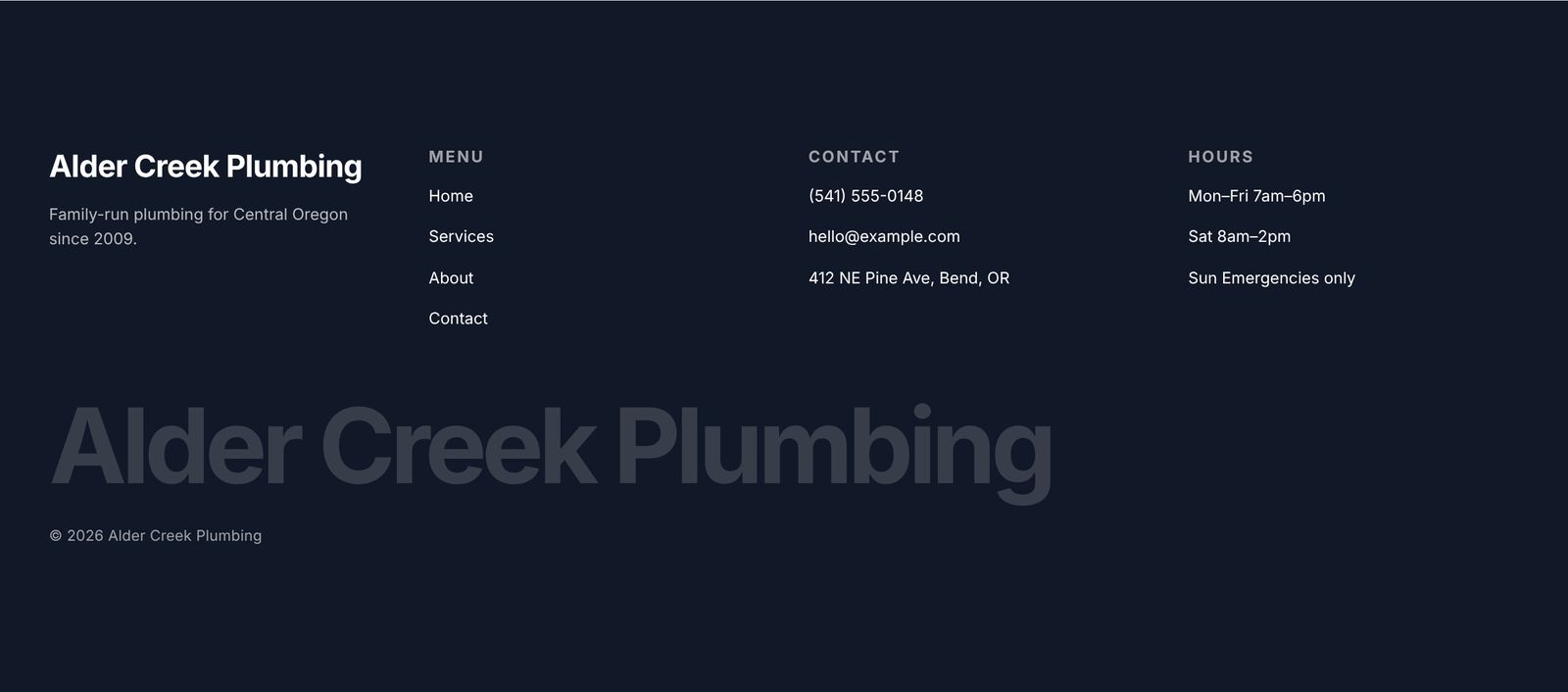
One Lens header and footer for the whole site
Nori makes them in the same style and shows them on every page. With Elementor Pro they go in Theme Builder, set to the entire site; without Pro they're Elementor templates that Nori shows on every page of a Hello Elementor site. Edit them once and every page changes. Switch styles later and the old ones go to the trash, so you can get them back.